How to add custom categories
Don't see a category that fits? Create your own!
- Open an Form: Go to Add Expense, Add Task, or Add Document.
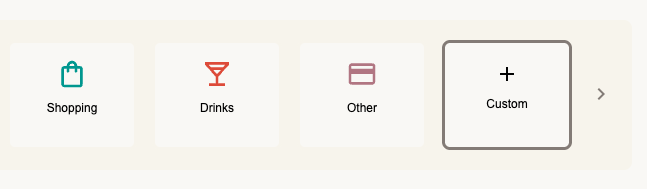
- Tap the Category Selector: Scroll to the far right of the category icons.
- Tap Custom: Select the + Custom (or "Other") button.
- Name It: A prompt will appear. Type your new category name (e.g., "Souvenirs") and tap Save.
- Done: This category is now available for all future entries!