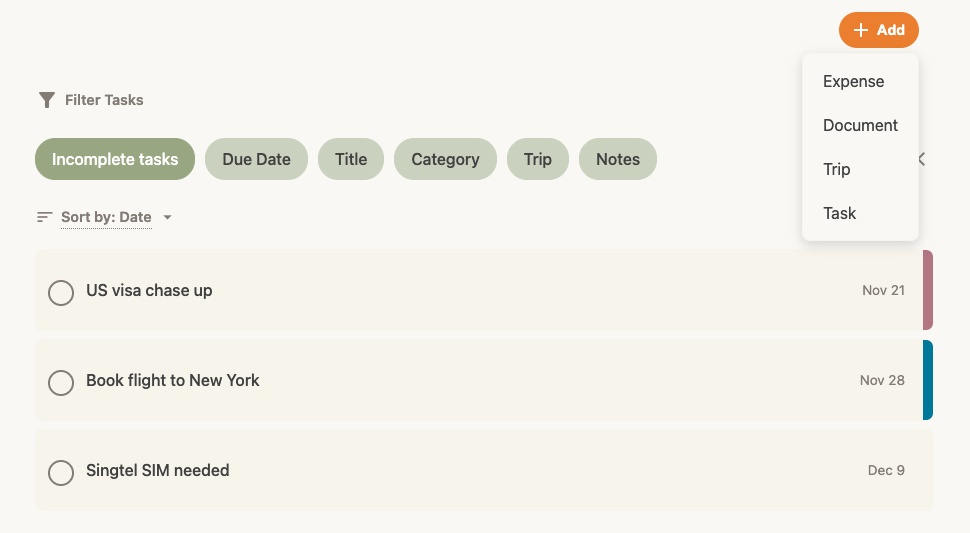
How to add a task
Never forget to book a flight or pay a deposit. Note: This feature is available for Trav Plus members.
- Open the task form: Tap the + Add button at the top right of the app and select Task.
- What needs doing? Enter a title for your task (e.g., "Book Hotel").
- Set a Deadline: Tap Due Date to choose when this needs to be done.
- Link to Trip: Associate this task with a specific trip so it appears in that trip's overview.
- Tap Add Task.
Completed a task? Simply tap the checkbox next to the task in your list to mark it as done!