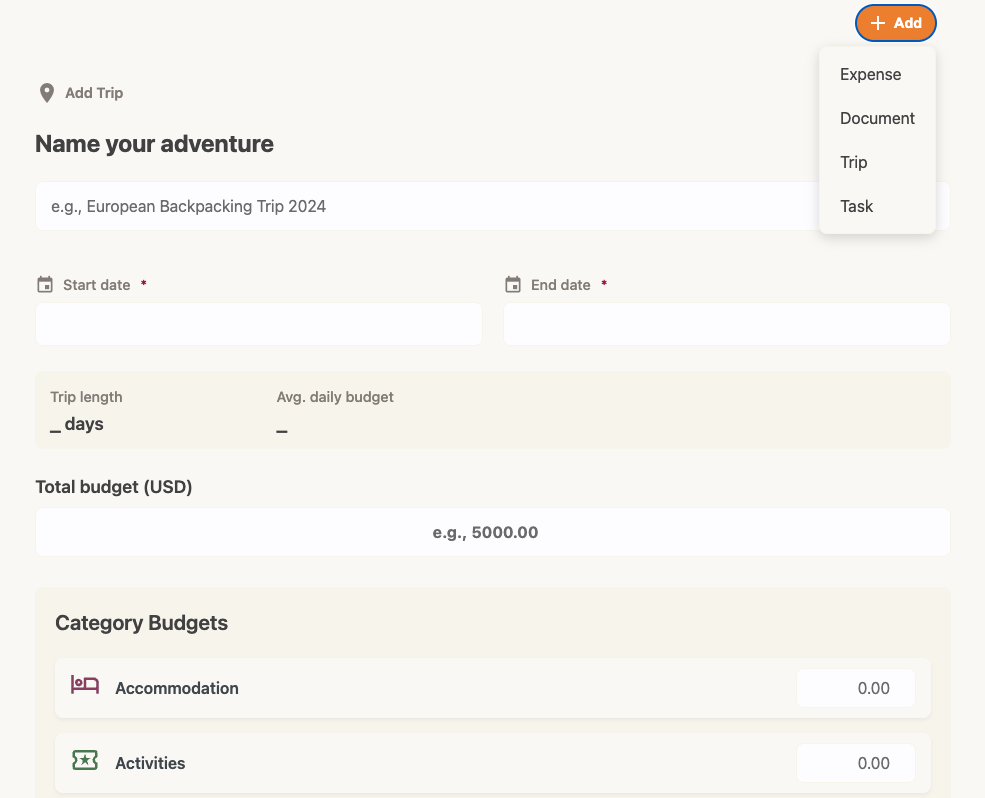
How to add a trip
Organize your expenses by adventure and set a total budget. Note: This feature is available for Trav Plus members.
- Open the trips form: Tap the + Add button at the top right of the app and select Trip.
- Trip Details: Enter a Trip Name (e.g., "Summer in Japan").
- Set Dates: Select your Start Date and End Date.
- Set a Budget: Enter your Total Budget for the trip.
- Allocate Budget (Optional): You can break your budget down by category (e.g., allocate $500 specifically for "Eating out").
- Tap Add Trip.