How to edit a trip
Note: This feature is available for Trav Plus subscribers.
- Go to the Trip: Navigate to the Trips section and tap on the trip you want to edit.
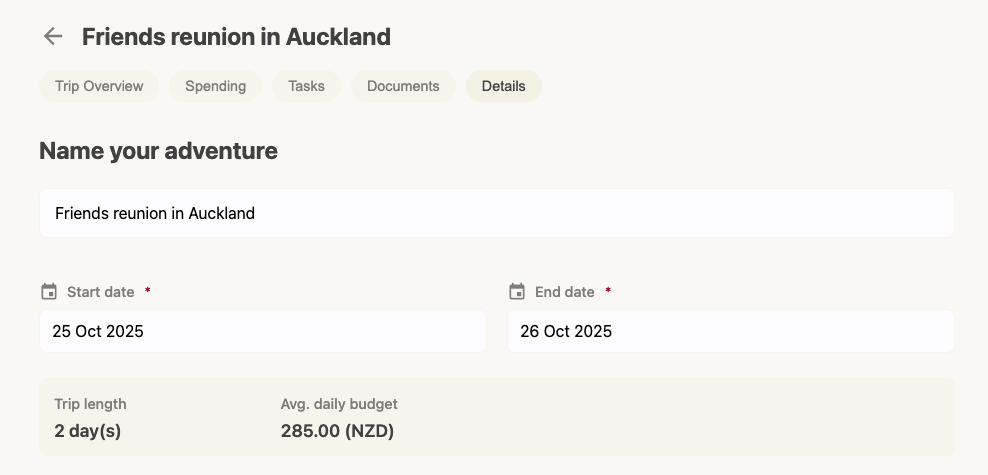
- Tap Details: In the trip navigation bar (under the trip title), tap the Details tab.
- Update Info: You can change the dates, budget, or name here.
- Save: Tap Update Trip.