Guide to the insights section
Get a global view of where your money goes across all your travels.
- Go to Insights: Tap the Insights link in the main navigation.
- View Charts:
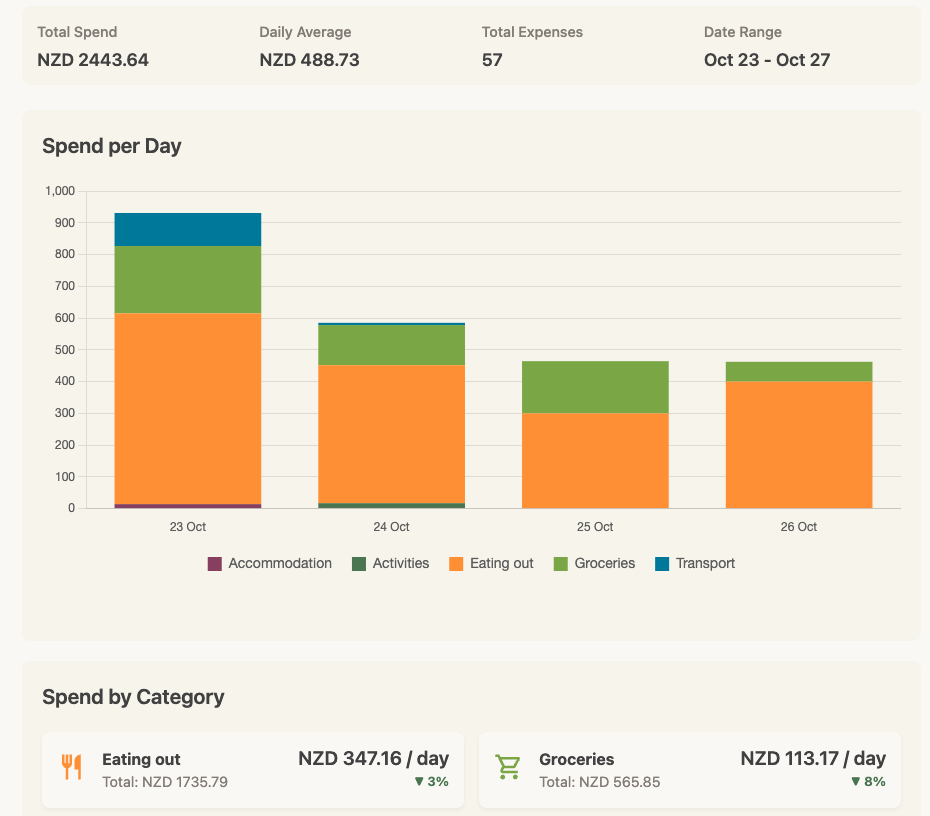
- Daily Spend: A bar chart showing how much you spend each day, broken down by category.
- By Category: Cards showing your average daily spending by category (including the percentage change) and a donut chart showing your spending breakdown (e.g., 40% Food, 30% Accommodation).
- By Location: See where you spent the most in.
- By Trip: (Trav Plus) Track which adventures where the most spendy.
- By Payment Method: (Trav Plus) Cash, credit card, something else? See at a glance how you paid.
- Filter: Use the filter pills at the top to see insights for a specific date range (e.g., "Last 30 Days").