How to manage notifications
You can customize exactly how Trav communicates with you, separating important alerts from newsletters.
- Go to Settings and tap the Preferences tab.
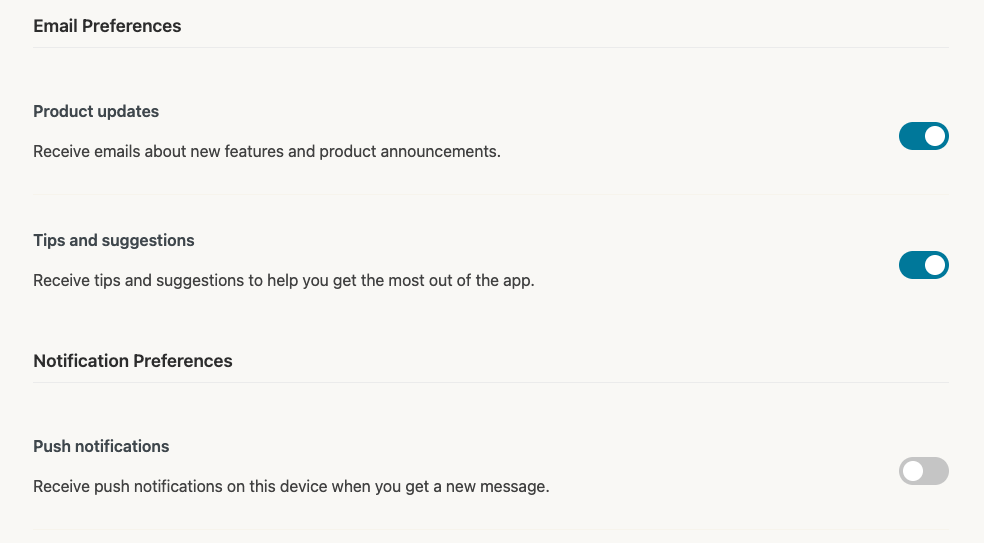
- Push Notifications: Toggle this ON to receive alerts on your device (e.g., reminders to log expenses).
- Email Preferences:
- Product Updates: Stay in the loop on new features.
- Tips & Suggestions: Get advice on budgeting and travel. Toggle these on or off individually to control your inbox.